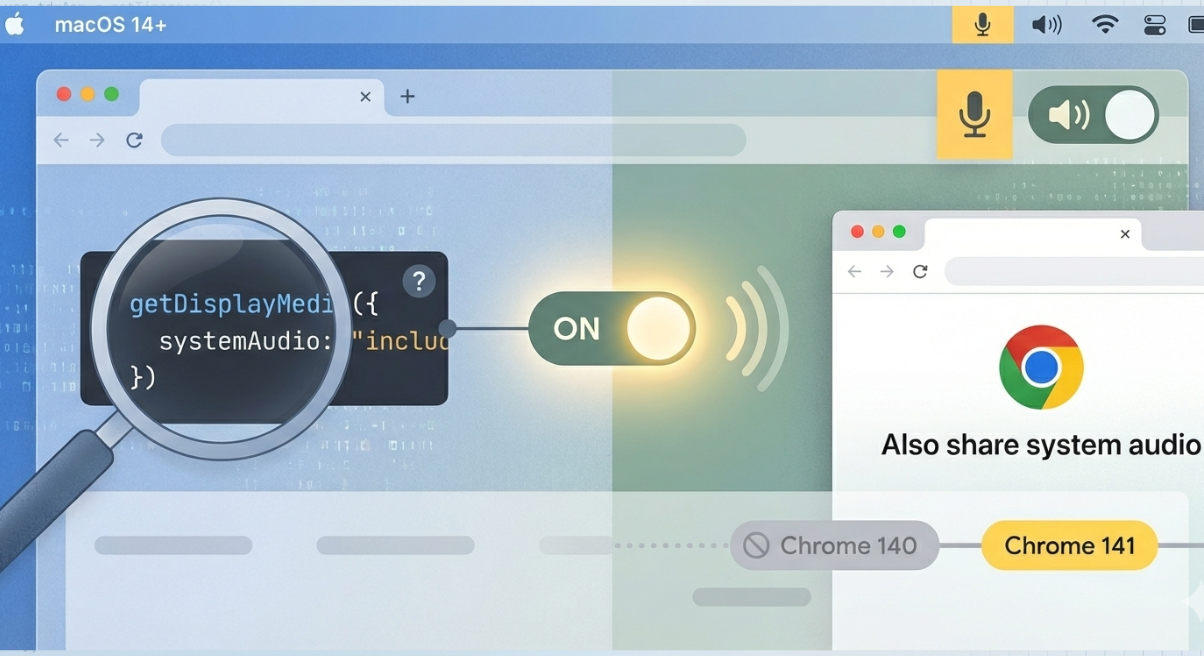
Capturing the Screen With System Sounds on Chrome on macOS
While testing getDisplayMedia to record my screen in Google Chrome on macOS, I saw that when sharing a window or the entire screen, there was a new option to include system audio. That surprised me because, for a long time, capturing system audio alongside the screen was only possible in Chrome on Windows and Chrome OS.
This affected our clients on the screen recording side, so I decided to figure out which version of Chrome this option became available in.
I started by digging through Chrome’s release notes, going version by version, looking for anything that mentioned system audio on macOS. There was nothing obvious. In version 141, I noticed a short note about the windowAudio constraint being introduced for getDisplayMedia, but it didn’t clearly state whether it enables system audio on macOS, so it didn’t immediately stand out as the answer.
Since the release notes weren’t helpful, I tried testing different browser versions. My first attempt was with BrowserStack, but that turned out to be a dead end. BrowserStack doesn’t expose Chrome’s native window picker dialog, which is exactly where the system audio toggle appears. Without access to that UI, there was no way to verify whether the feature existed in a given version.
So I went the manual route. I downloaded older Chrome builds from Uptodown and tested them locally on my MacBook Pro with M3 Pro machine. Starting at version 130, there was no system audio option. I jumped through to later versions until I reached 141, where the toggle finally appeared. Then I tested 140 and confirmed that the share system audio option wasn’t there yet. Based on that, it looks like Chrome 141 is the version where system audio sharing via getDisplayMedia became available on macOS.
One more important detail: I was running macOS 15 during testing. Apple only introduced support for third-party apps to capture system audio starting with macOS 14.2 (the source is the article on using Core Audio taps - scroll to the bottom). Before that, the operating system itself didn’t allow applications like Chrome to access system audio. So this change was likely not just about Chrome. It seems to be the result of macOS enabling the capability at the OS level in macOS 14.2, and Chrome adding support for it starting in version 141.
I also tested support for the systemAudio:"exclude" constraint, and it does work (it hides the option). One can use our getDisplayMedia test bench to do their own tests.
In the end, there wasn’t a clear announcement or a neat line in the release notes confirming it. It took reading, testing, and comparing versions to narrow it down. But as far as I can tell, system audio sharing with getDisplayMedia on macOS works starting with Chrome 141 on macOS 14.2 or newer.
