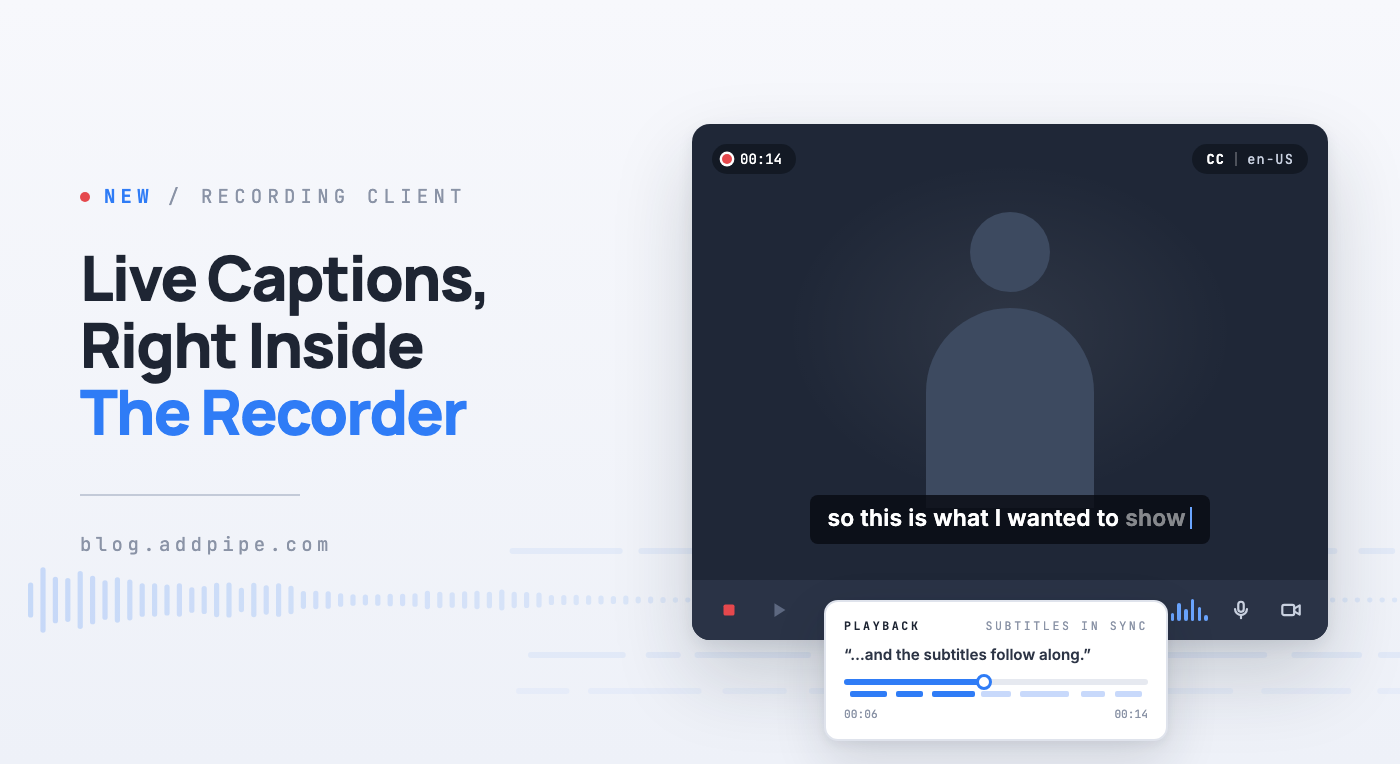
Live Captions in the Recording Client
When someone records with Pipe, they've seen only their own video, a timer, and a few buttons. Starting today, the recording client can also show what they're saying as captions.
Live captions use the speech recognition already built into the browser. There's nothing extra to install and no new service to sign up for. You turn the feature on with a single embed code option.
What It Does
Once enabled, the recording client does two things:
- Live captions while recording. Words show up over the video as the person speaks. Each line stays on screen long enough to be read, then fades out during pauses, the same way subtitles behave in a video player.
- Subtitles on playback. When you play back your recording in the recorder, the same text returns as subtitles, timed to the audio. Seeking and pausing keep the subtitles in the right place.
Seeing your own words appear is a quick way to tell that the microphone is picking you up. Subtitles on playback also make reviewing a take easier, especially with the sound off.
Turning It On
Live captions are off by default. To turn them on, set the livecaptionslanguage option to the language you expect people to speak.
In the 2.0 HTML embed code, add the attribute to your <piperecorder> tag:
<piperecorder id="custom-id" pipe-width="640" pipe-height="390" pipe-qualityurl="avq/360p.xml" pipe-accounthash="ACCOUNT_HASH" pipe-eid="ENVIRONMENT_ID" pipe-livecaptionslanguage="en-US"></piperecorder>In the 2.0 JavaScript embed code, add the property to your recorder object:
var YOUR_CUSTOM_OBJECT = { size: {width:640,height:390}, qualityurl: "avq/360p.xml", accountHash:"ACCOUNT_HASH", eid:"ENVIRONMENT_ID", livecaptionslanguage:"en-US" };The value is a language tag like en-US, fr-FR, de-DE or ro-RO. If your recorders are used by people in different countries, you can set it to undefined (as text). The recording client will then use the language of the visitor's browser, and fall back to en-US if the browser doesn't report one.
How It Differs From Our Audio Transcription
Pipe already offers audio transcription, which runs Whisper on the recording after it's uploaded. It's accurate, supports many languages, and gives you a transcript you can keep.
Live captions are the opposite trade-off. They happen in the browser, in real time, while the person is recording, but they're less accurate. The two features are independent. You can use either one, both, or neither.
Limitations
Because this feature relies on what each browser can do, it comes with a few limits worth knowing before you turn it on:
- You have to pick the spoken language in advance. There's no automatic language detection. The recording client transcribes in the one language you configured, and if someone speaks a different one, the captions will be wrong rather than empty.
- Browser support is uneven. Chrome on desktop works best. Edge and other Chromium-based browsers usually work too. Safari support is partial and varies by version, Chrome on Android is limited, and Firefox doesn't support it at all. When a browser can't do it, the recorder simply records as usual, with no captions and no error.
- There's no official list of supported languages. Which languages work is decided by each browser and operating system, not by Pipe. The same language tag can work in Chrome on one machine and do nothing in Safari on another, so test the languages you plan to use on the browsers your users actually have.
- Accuracy is lower than Whisper. Expect mistakes with names, technical terms, accents, background noise, and quiet microphones.
- The audio may go to the browser vendor. We always ask the browser to recognize speech on the device first. If it can't, it falls back to its own cloud speech service, and the browser vendor then handles the audio under their terms, not Pipe's. Keep this in mind if you work with sensitive recordings.
- Captions aren't saved anywhere yet. They exist only in the recorder, during recording and playback. They aren't burned into the video and aren't sent to Pipe with the recording. If you need a transcript to keep, use our audio transcription.
For now, treat live captions as a convenience for the person recording, not something your product depends on.
Documentation
Everything above, including the browser support table, is covered in the Client Side Transcription documentation. The new option is also listed with the other embed code options.
Since the feature is off unless you set the option, existing embed codes keep working exactly as before.
